> ## Documentation Index
> Fetch the complete documentation index at: https://docs.camo.ag/llms.txt
> Use this file to discover all available pages before exploring further.
# October 2024 Release Notes
> Over the past few months CamoAg has been working hard to consolidate the features and functions that exist across multiple maps, into a single map. While the look and navigation will be a bit different, the overall features and functions you are used to using, have largely remained the same.
**Map Merge Release**
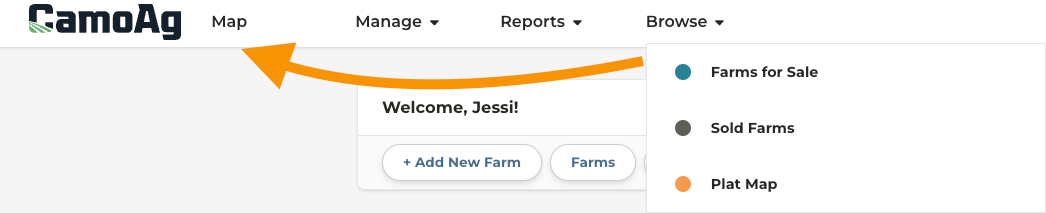
* The **Browse** drop down at the top will no longer be available
* Access any map by clicking on **Map** and applying the appropriate layer(s)
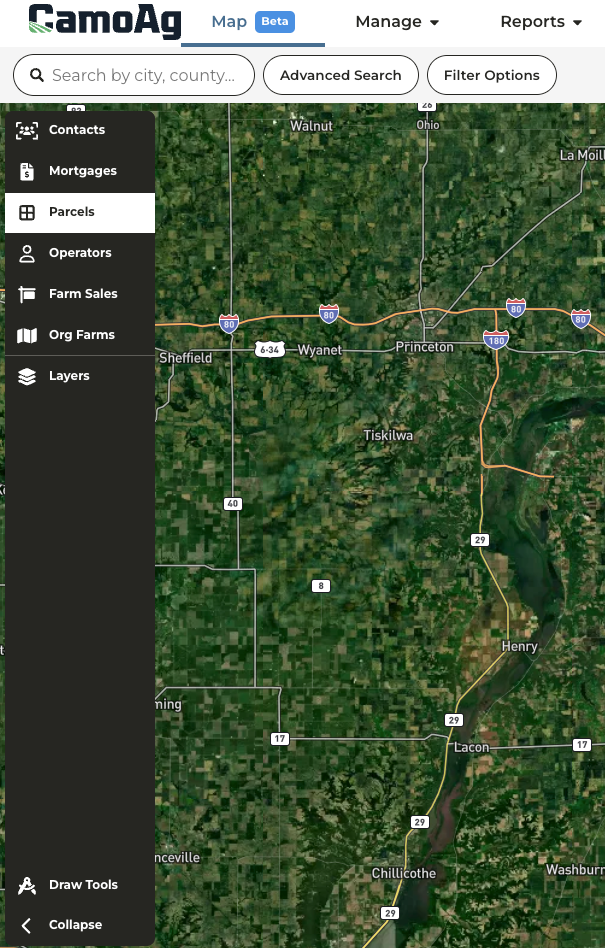
* Map layers appear on the left and your organization will see only the layers available to them based on your subscription
* Multiple layers may be applied to the map at the same time
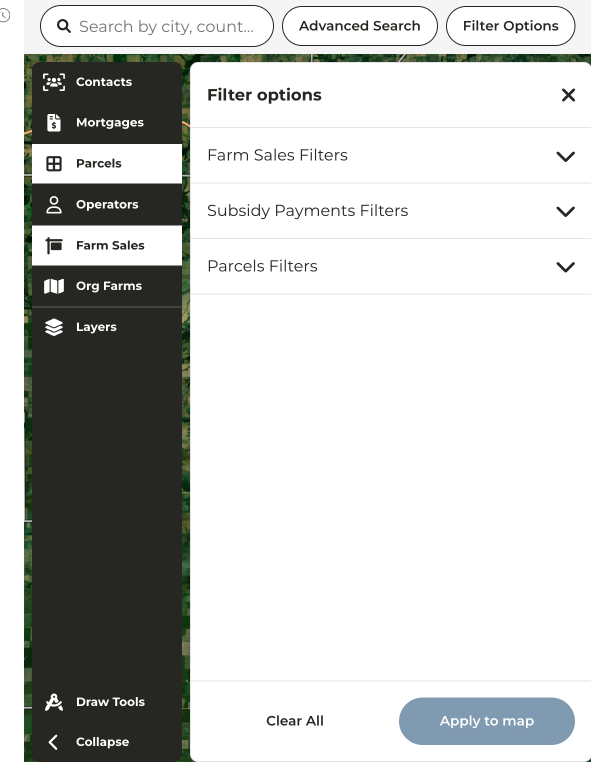
* Filter Options are available for any layer enabled on the map