> ## Documentation Index
> Fetch the complete documentation index at: https://docs.camo.ag/llms.txt
> Use this file to discover all available pages before exploring further.
# December 2024 Release Notes
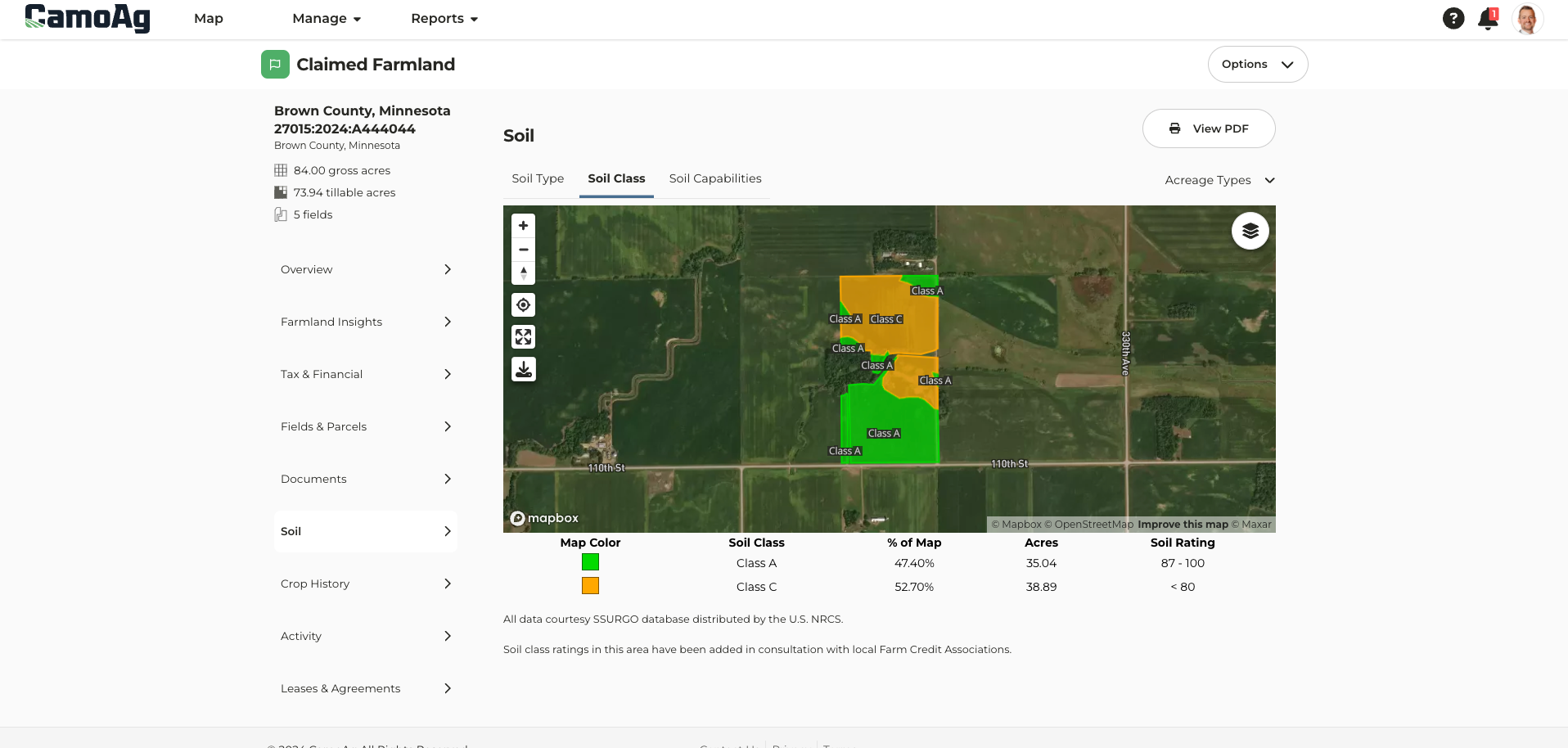
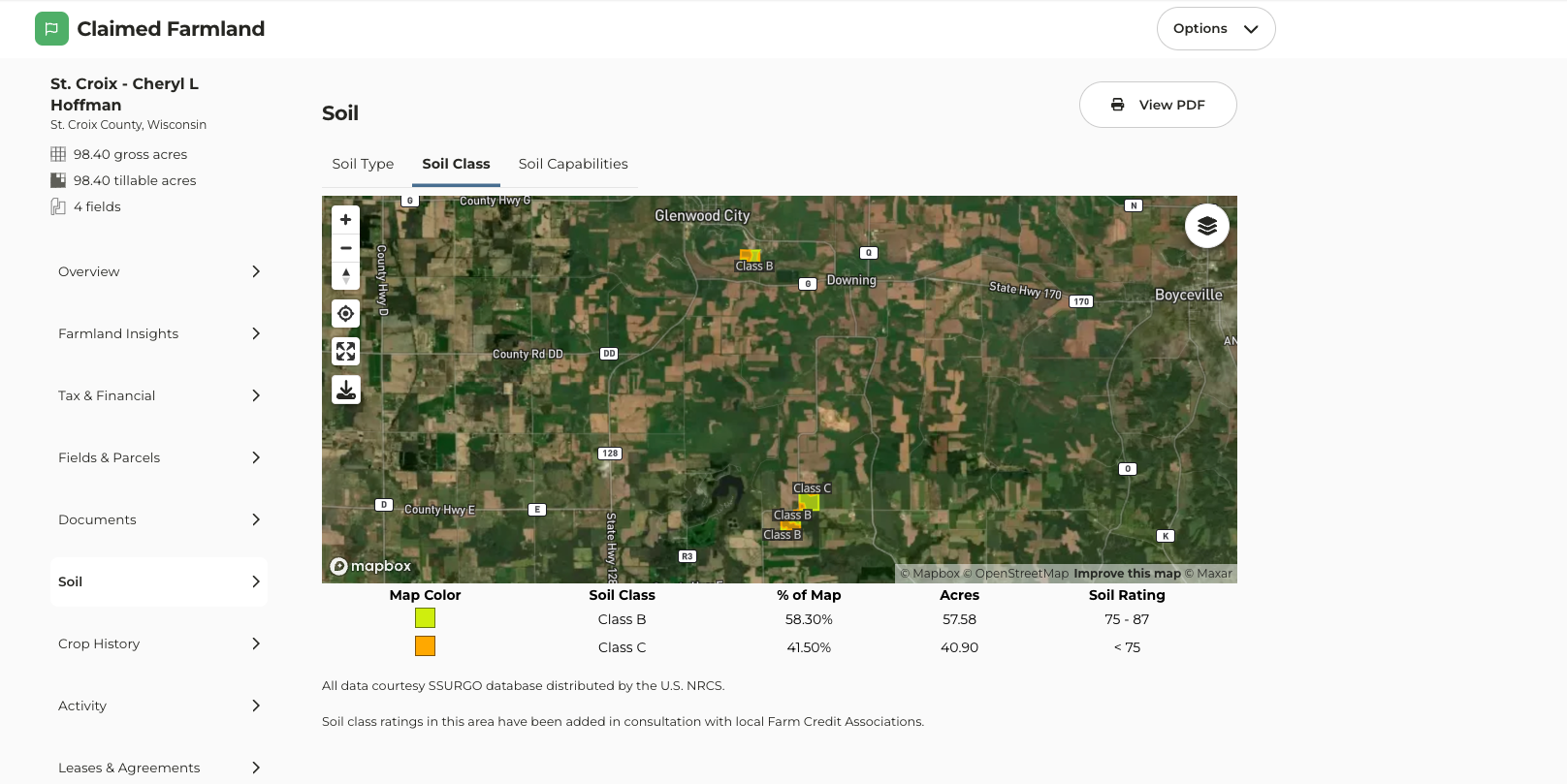
**Soil Class Maps Added for WI and MN**
* Soil class maps can be found once a farm has been added to your account. Navigate to the farm page and click on the Soil tab.
### **Zoom to View Data**
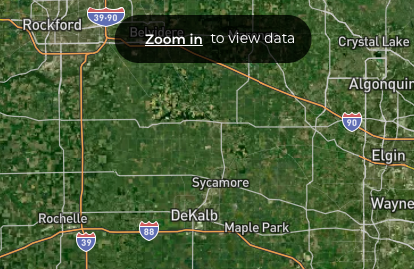
On the map, a Zoom in to view data feature can now be found. Apply your desired layers, click **Zoom in,** and the map will zoom to either your searched area or the county set as your default location.
### **Option to Expand or Collapse Drawing Tools Menu**
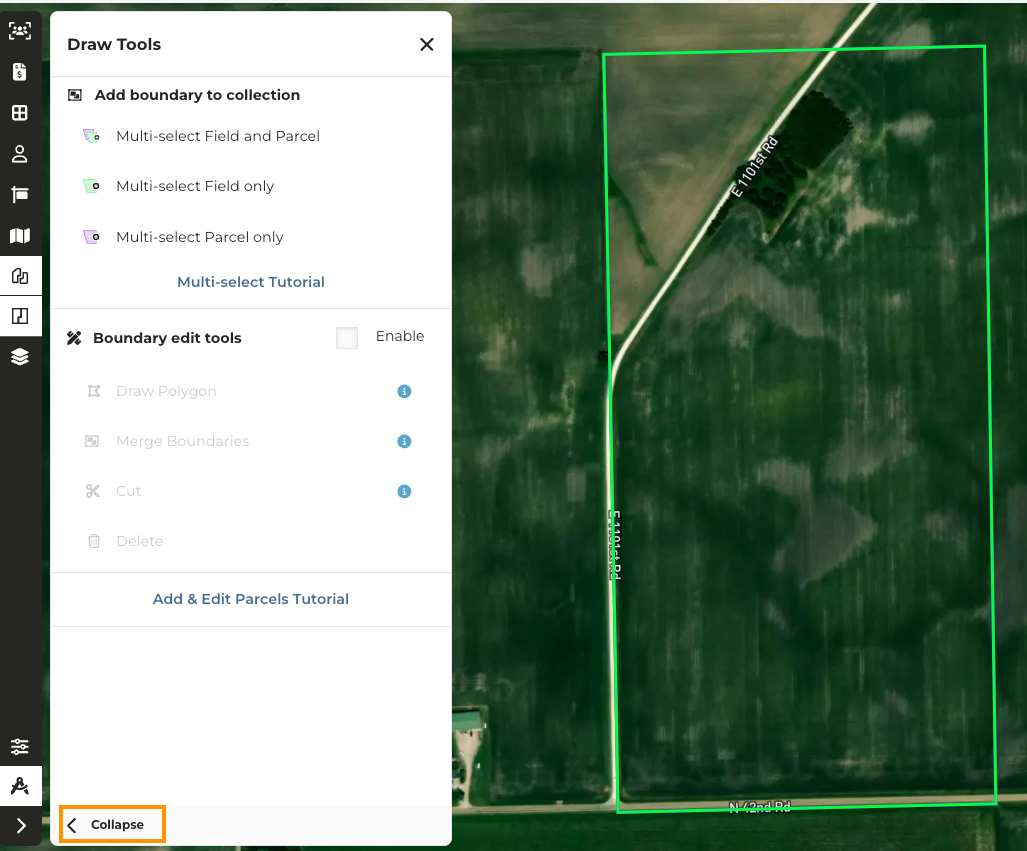
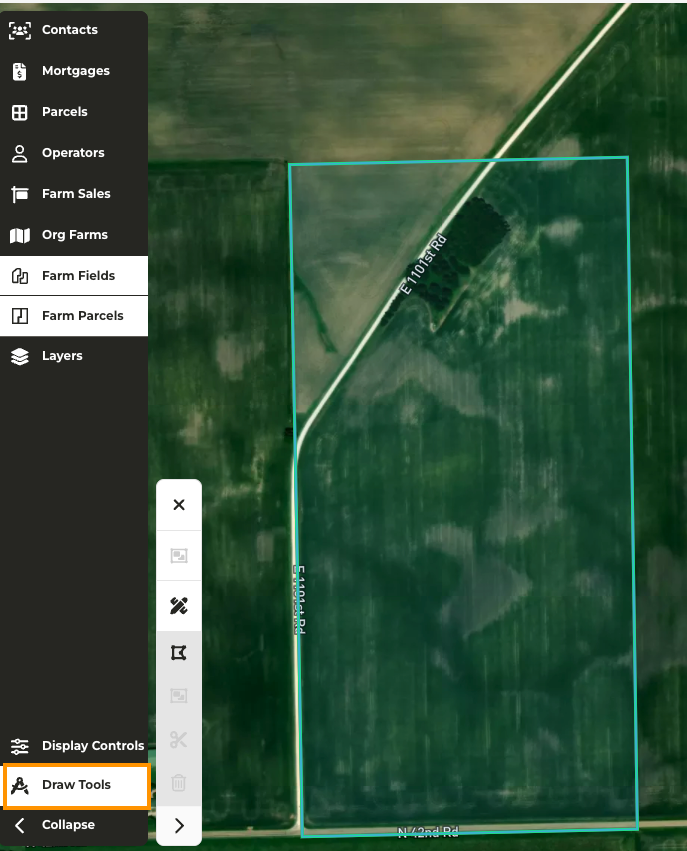
When making edits to a farm, we have added the option to expand or collapse the **Draw Tools** menu to free up space on your screen to make the necessary edits.
###
### **Multi-Branding**
*\*Available for enterprise accounts with multi-branding enabled*
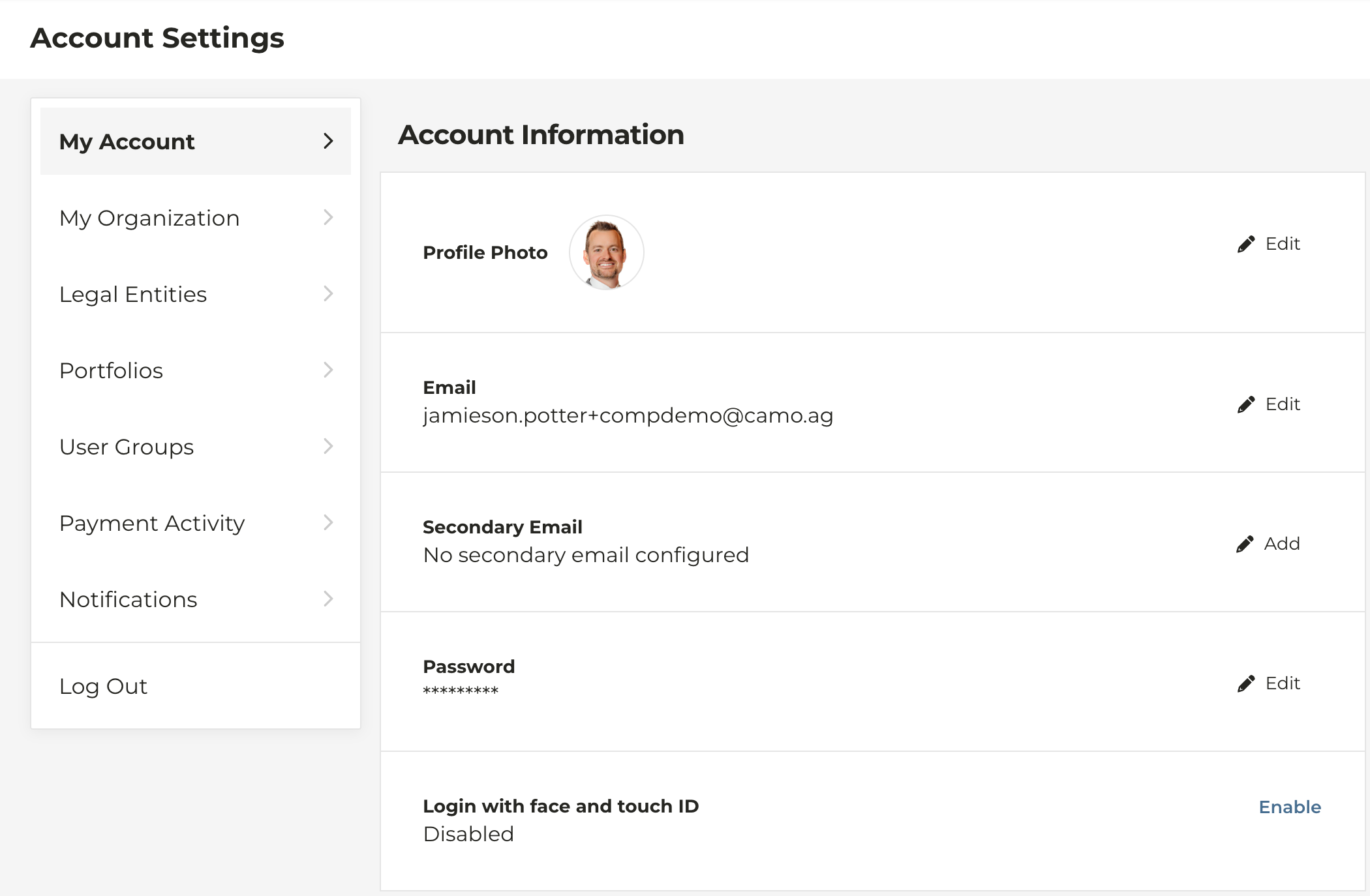
[**Ability to add a secondary email**](/hc/en-us/articles/28310335056535-Adding-a-Secondary-Email)
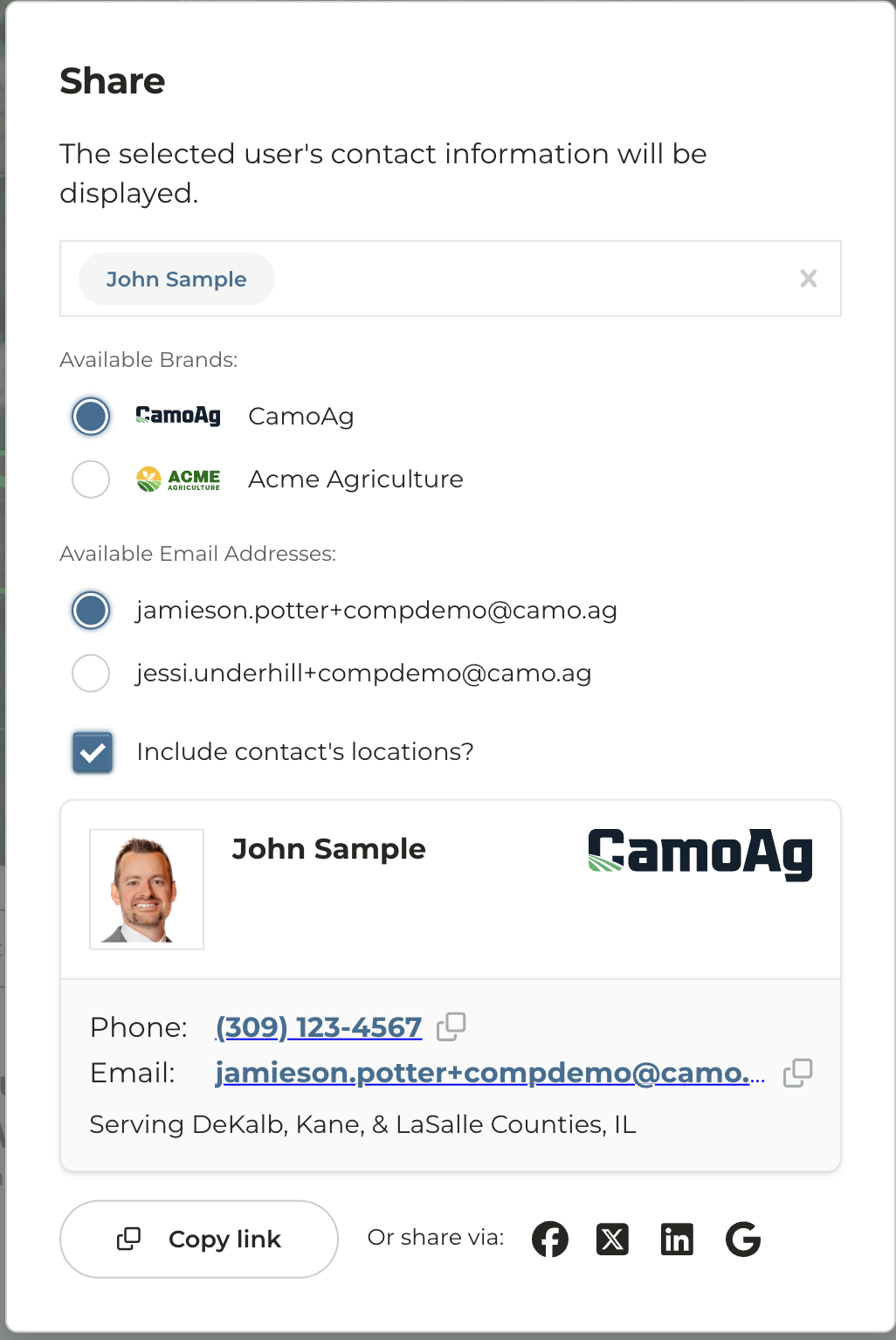
If multi-branding exists for your organization users have the option to add a secondary email. The secondary email must be associated with the domain of the brands and cannot be a personal email.
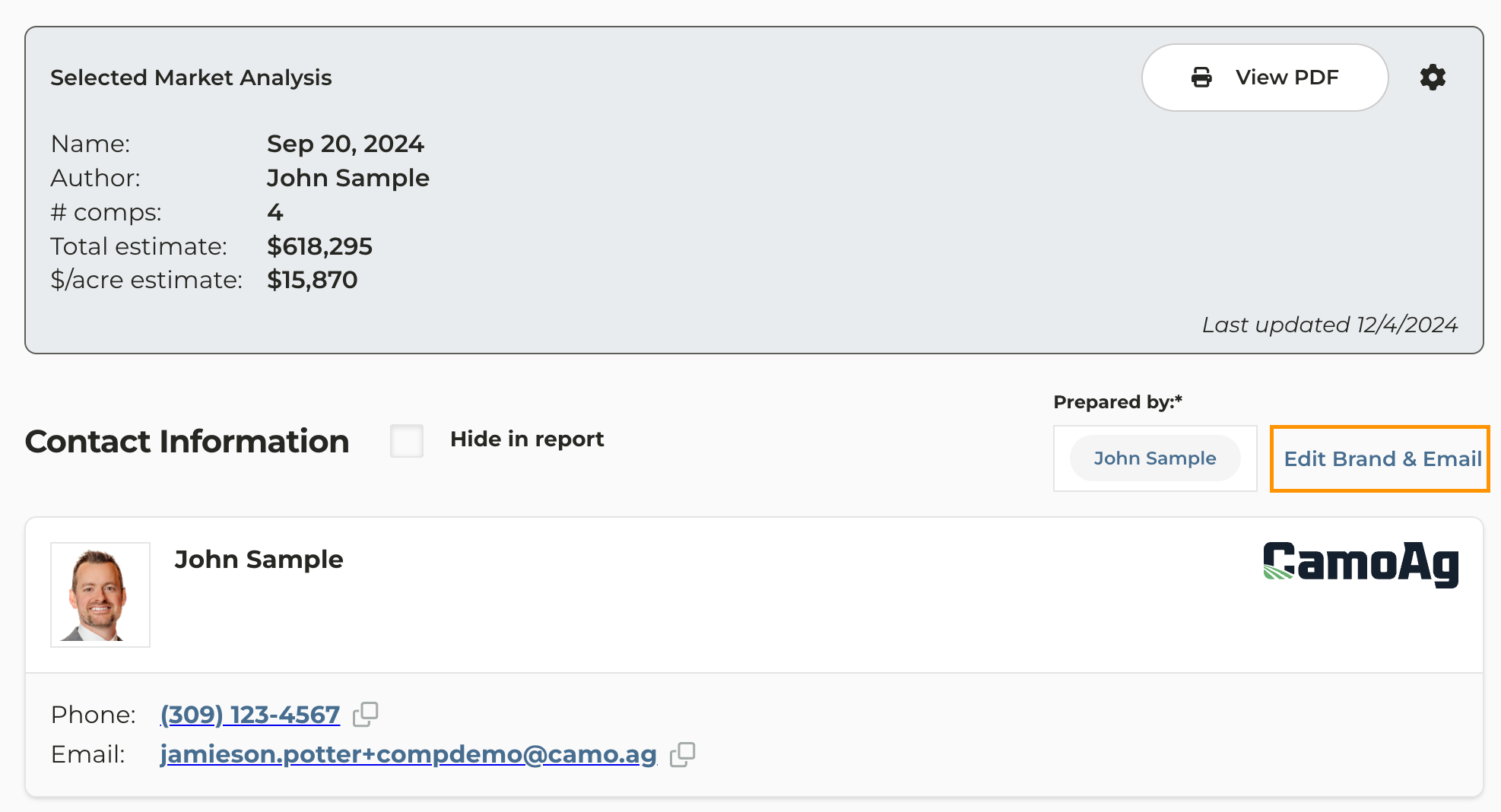
**[Sharing a CMA](/hc/en-us/articles/28311787093143-Updating-Branding-on-a-CMA) or [Auction](/hc/en-us/articles/sharing-an-upcoming-auction-or-sold-farm-with-a-customer) with Multi-Branding**
By adding a secondary email, users will be able to customize the brand and email associated with a CMA that is created or Auction that is shared with a customer.
### **Farm Overview Page Map Update**
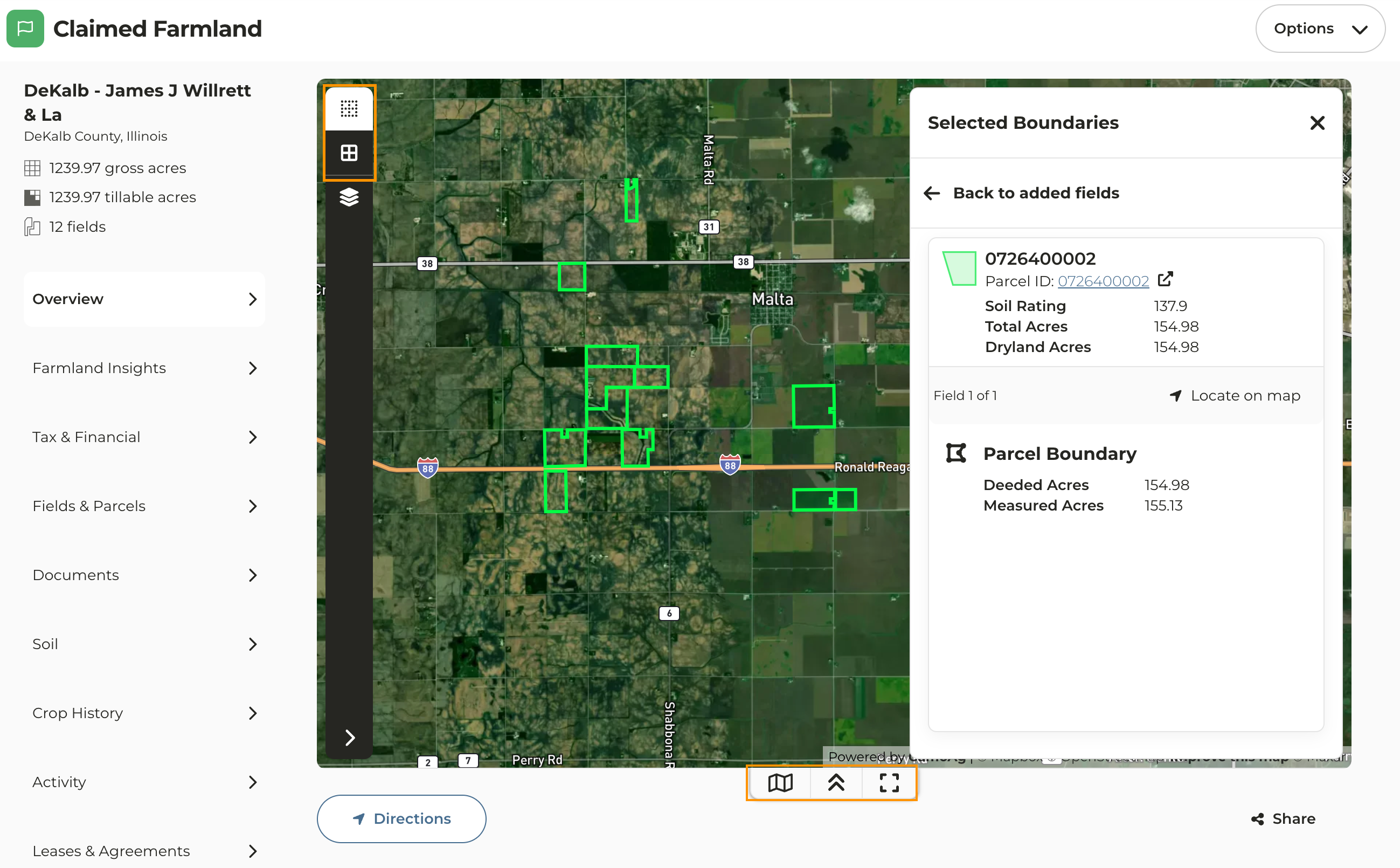
The map on the Farm Overview page of a property that has been added to your account has been updated to the new map experience along with some additional features and functions.
* **Farm Fields and Parcels:** Enable or disable the view of the fields and parcels on the map. You can click on any field or parcel on the map of the claimed farmland to view details on that field/parcel.
* **Layers**: Apply layers such as FEMA flood hazards and Contours to name just a couple
* Click on the quick link icons at the bottom of the map to:
* View, edit, add, or remove fields and/or parcels from the property
* Collapse the view of the map
* Expand the map to view it on a full screen