*Requires the purchase and integration of UCC data from FusableReports in CamoAg are used by a wide base of customers and as a result your organization may see filters that do not apply to you.What to know about the UCC Filings Report
Data over five (5) years old can be viewed on the UCC Filings Report
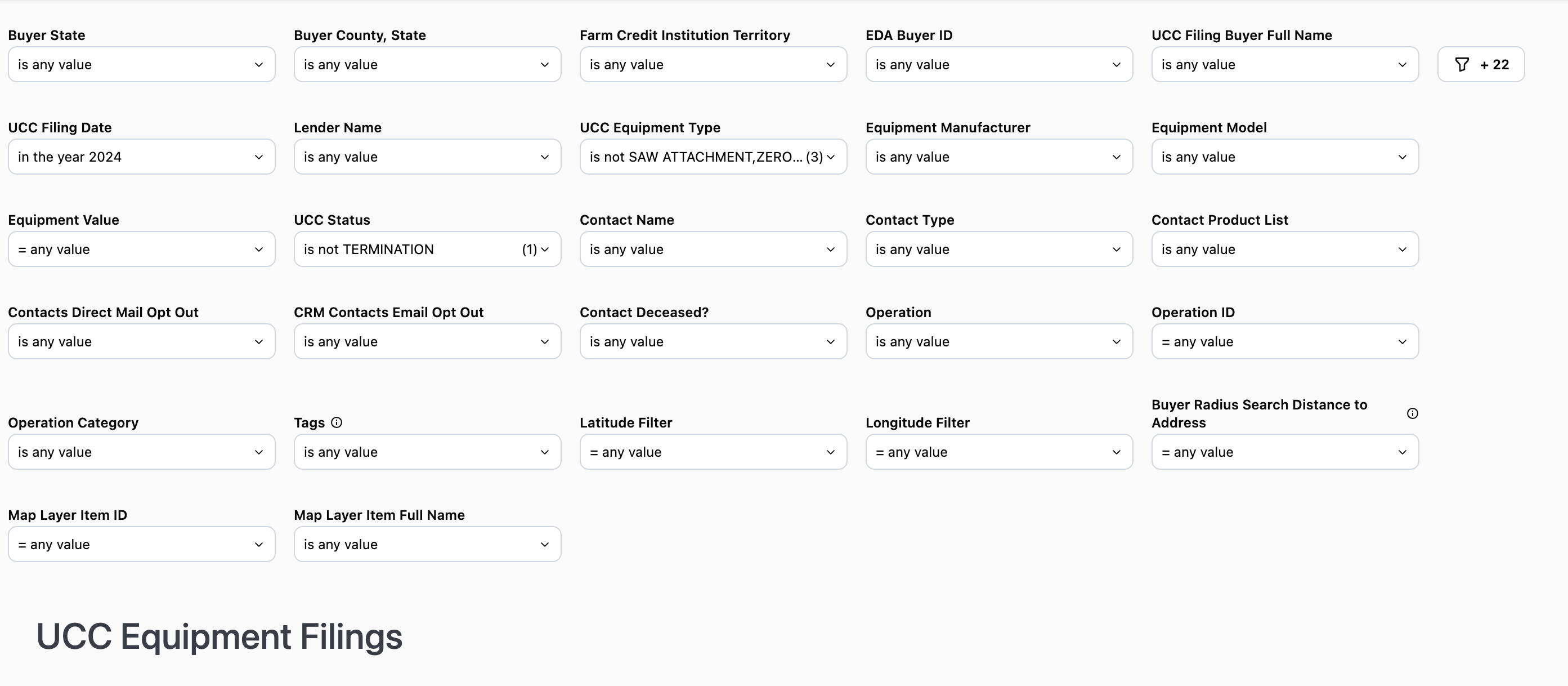
To see all available filters click on the funnel to the right of the filters
Buyer State: Filter by the state in which the buyer is locatedBuyer County: Select the county within the state you want to specifically target.
Note: The county filter is not state specific and will display all counties regardless of the state selected.
Farm Credit Institution Territory: Publicly available data and matches up to the lender footprint EDA Buyer ID: Buyer ID provided by Fusable Equipment Data AssociatesUCC Filing Buyer Full Name: Filter by a specific individual or entityUCC Filing Date: Filter by year, specific date, date range, etc. Lender Name: Filter by a specific lender or set of lenders. Likewise, you can also filter out a lender or set of lenders
Use Case: When used in conjunction with Farm Credit Institution you can see data tied to a specific lending institution within your organization’s footprint. You can then use this information to see which competitors your prospects and customers may be using.
Equipment Value: Filter to show amounts within a certain dollar rangeUCC Equipment Type: Filter by a specific equipment type. By default some equipment types are excluded in the filterEquipment Manufacturer: Filter to include or exclude specific equipment manufacturers
Use Case: Use this to filter out equipment manufacturers who offer their own credit programs
UCC Status: Defaults to display active UCCsContact Name: Name of the contact you created in CamoAg or as it appears in your organization’s CRM if integrated with CamoAgContact Type: Filter by types such as individuals or business typesContact Product List: Requires CRM integration. Filter your report to include or exclude organization contacts who have specific productsContacts Market Segment: Requires CRM integration, filter by specific market segments as specified in your CRM and shared with CamoAgContact Direct Mail Opt Out (True/False): Requires CRM integrationContact Email Opt Out (True/False): Requires CRM integrationContact Deceased (True/False): Requires CRM integrationOperation: Will list the primary name associated with the Operation. Operation ID (Formerly “Network ID”): The Operation ID is unique to CamoAg and is used to create operations by grouping parties who reside at the same addressOperation Category (Formerly “Network Category”): The type of address associated with the primary addressee name such as agribusiness, government organizations, farm management companies, or banksLatitude & Longitude: These can be manually entered, but populate when you access the report by right-clicking on the map.Distance to Buyer Address (in miles): This sets the radius around the parcel for your search and pulls in any Debtor who has a blanket lien within that radius. Populates by default to 10 miles when you access the report by right-clicking on the map.Map Layer Item ID: This filter is populated when the report is accessed via a Features of Interest layer on the map. The report will filter to show only data within the boundaries of that FOI layer.
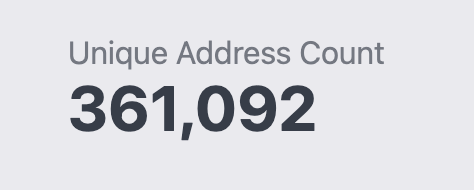
1. Unique Address Count: Total number of de-duped addresses based on the filters applied
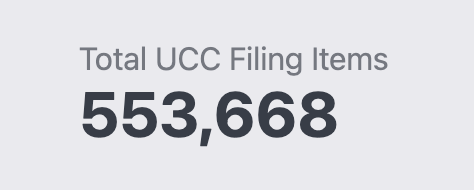
2. Total UCC Filing Items: Total filing items based on the filters applied
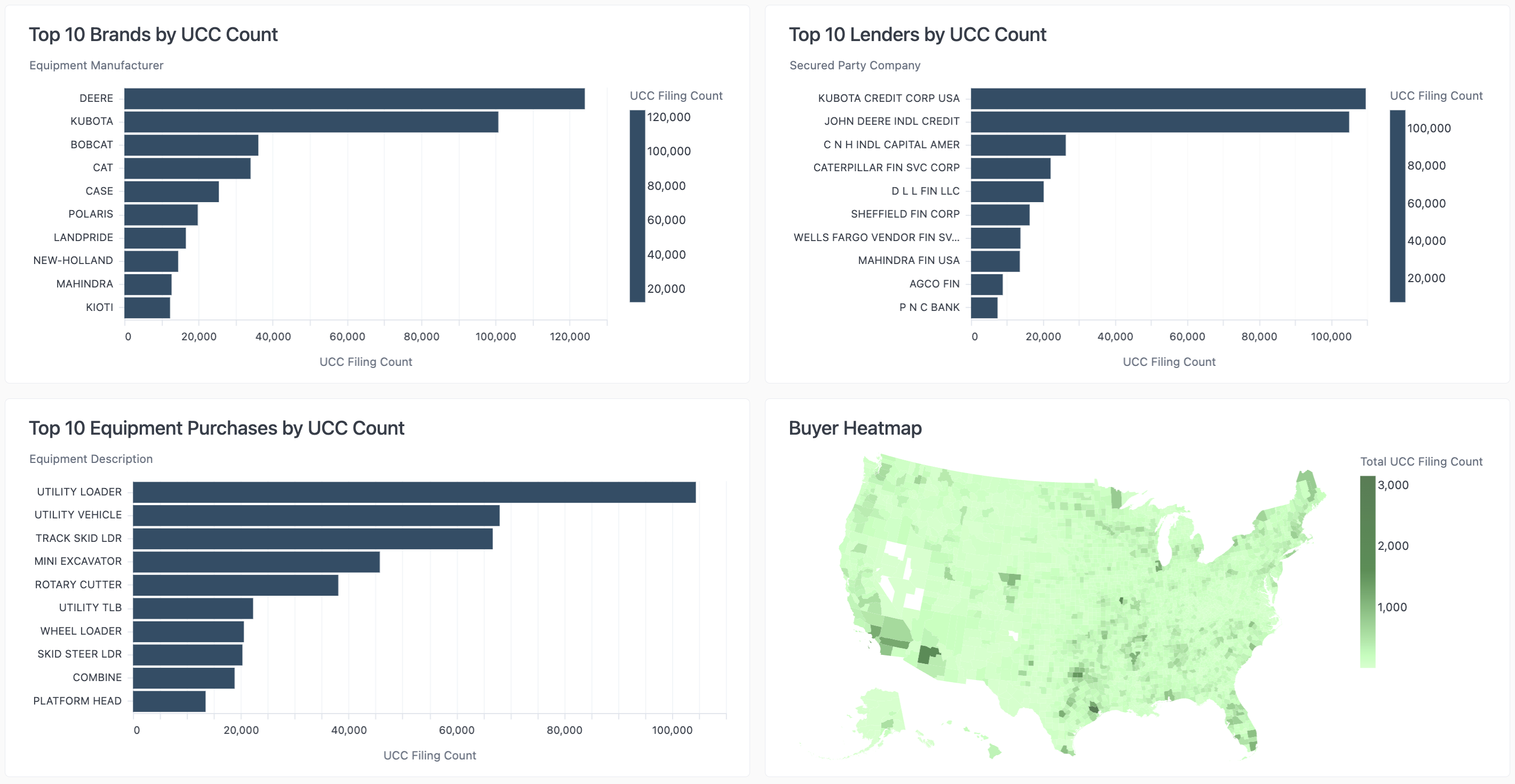
Breakdown of the Brands, Lenders, and Equipment purchases by UCC Count
Use Case: Review these data sets to help determine how you want to apply your filters in order to focus on a specific lender competitor, equipment purchase, or brand.